


Course
Learn to Secure Microsoft 365 — Even If You’re Not a Cybersecurity Expert.
Build the practical skills to protect users, control access, secure devices and safeguard sensitive information across Microsoft 365.
Instant download Account protected
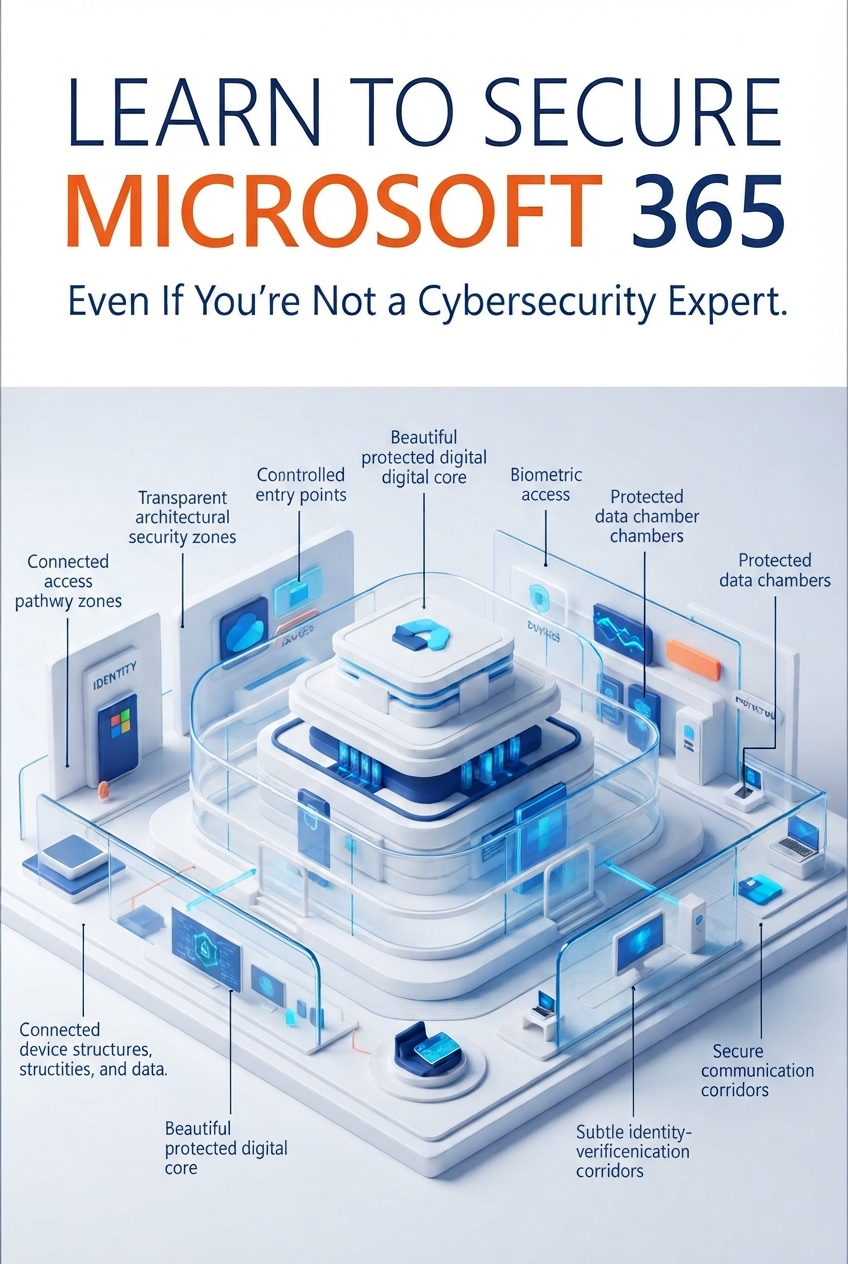
Microsoft 365 security doesn't have to feel overwhelming.
This step-by-step training breaks down the essential security tools and controls you need to understand—from identity protection and multi-factor authentication to Conditional Access, Intune, threat protection and data loss prevention.
You’ll learn what these tools do, why they matter and how they fit together to create a more secure Microsoft 365 environment.
By the end of the training, you won't just recognise Microsoft 365 security features.
You'll understand how to use the core controls to:
Protect identities.
Secure access.
Manage devices.
Protect sensitive information.
Reduce security risks.
What you will get
- Learn how Azure Information Protection helps classify, label and protect sensitive organisational data.
- Understand Azure AD Identity Protection and how to identify and respond to identity-related security risks.
- Set up and understand Self-Service Password Reset, helping users regain access securely while reducing administrative workload.
- Learn how Multi-Factor Authentication adds another layer of protection beyond passwords.
- Understand password policies, lockout management and the controls that help protect accounts from unauthorised access.
- Learn how to create and manage groups in Microsoft 365 while understanding their role in collaboration and access management.
- Learn the fundamentals of eDiscovery in Microsoft 365 and how organisations can locate, preserve and work with relevant information.
- Get introduced to Microsoft Intune and understand how it can be used to manage and secure organisational devices.
- Understand Advanced Threat Protection and the security mechanisms designed to detect and help defend against sophisticated threats.
- Learn how Data Loss Prevention (DLP) policies can identify sensitive information and help prevent it from being shared or exposed improperly.
- Learn how Conditional Access policies can determine who gets access, what they can access and under what conditions.
Sold by Mr. Eshio. Confirmed by Mr. Eshio. All contributors credited.